
Controls
There are three ways to aim and shoot. Try them all and keep the one that feels best.
How to change your controls
- Open Settings
Open Settings from the main screen and go to the General tab.

- Pick your controls
Next to Controls, use the arrows to switch between Tap & Drag, Tap and Pull.
- Try it in battle
Your choice is saved. Not feeling it? Switch back any time.
The three controls
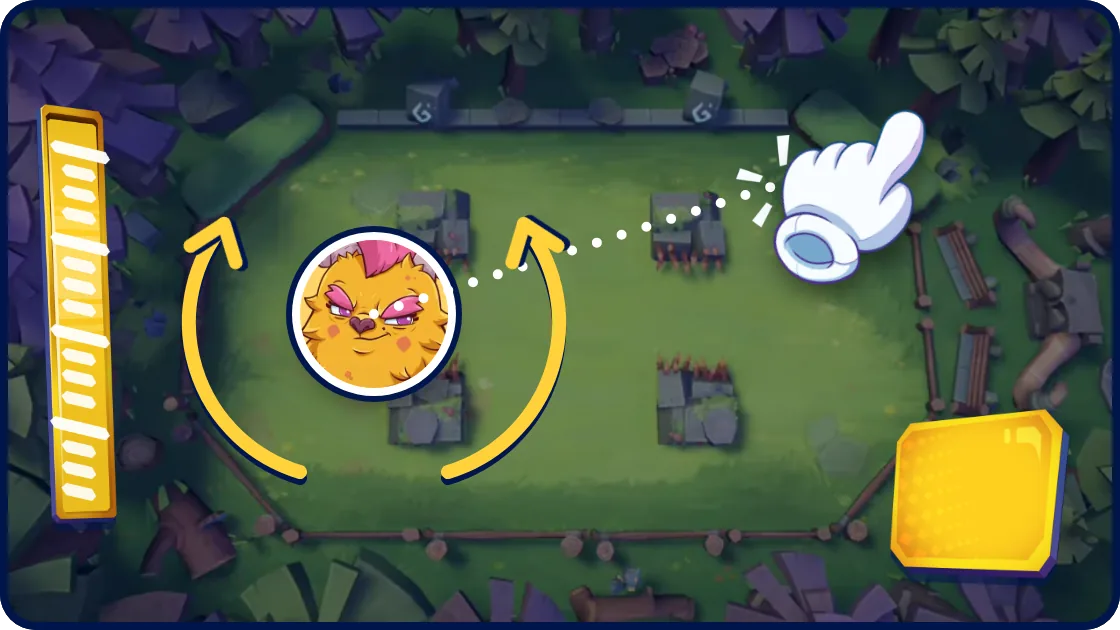
Tap & Drag
Tap where you want to shoot and your beast aims there. Then drag around your beast to turn the aim bit by bit, or turn it with the aiming wheel. Press the fire button to shoot.
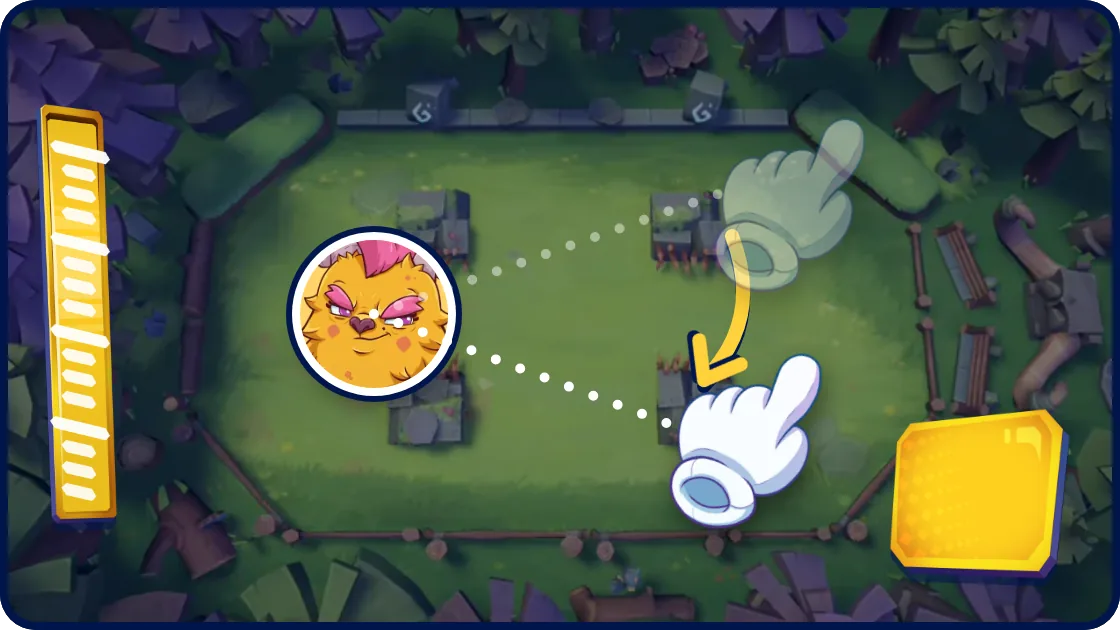
Tap
Touch the arena and your beast aims straight at your finger. Keep your finger down and move it to adjust, or use the aiming wheel for tiny corrections. Press the fire button to shoot.
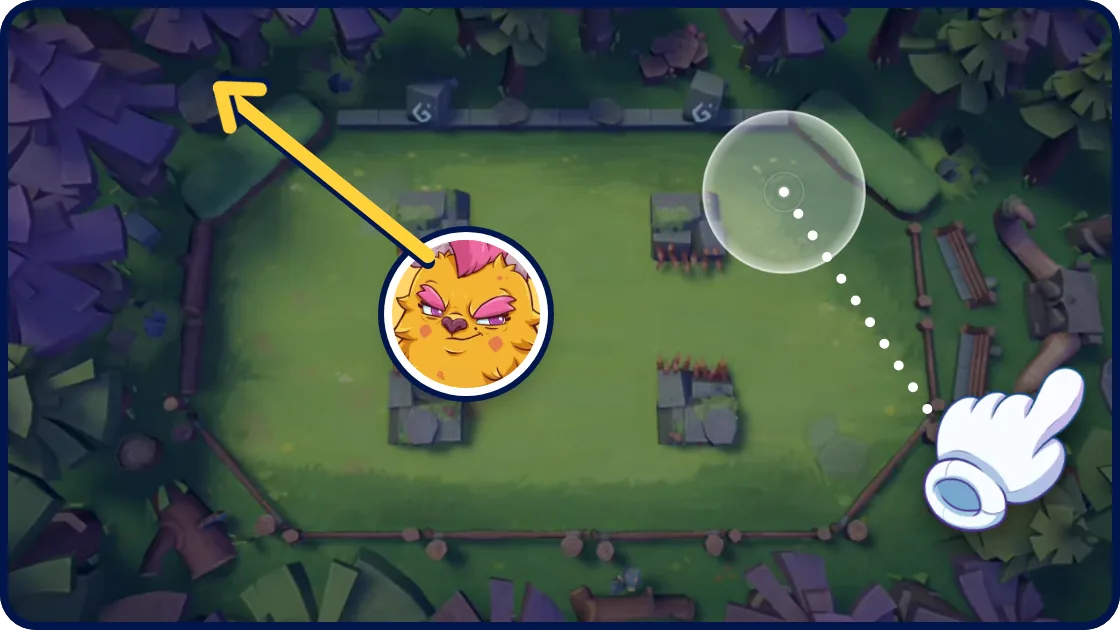
Pull
Put your finger anywhere, pull back like a slingshot and let go to shoot - your beast flies the opposite way. The longer the pull, the faster the shot. Changed your mind? Slide back to where you started and let go.
More settings
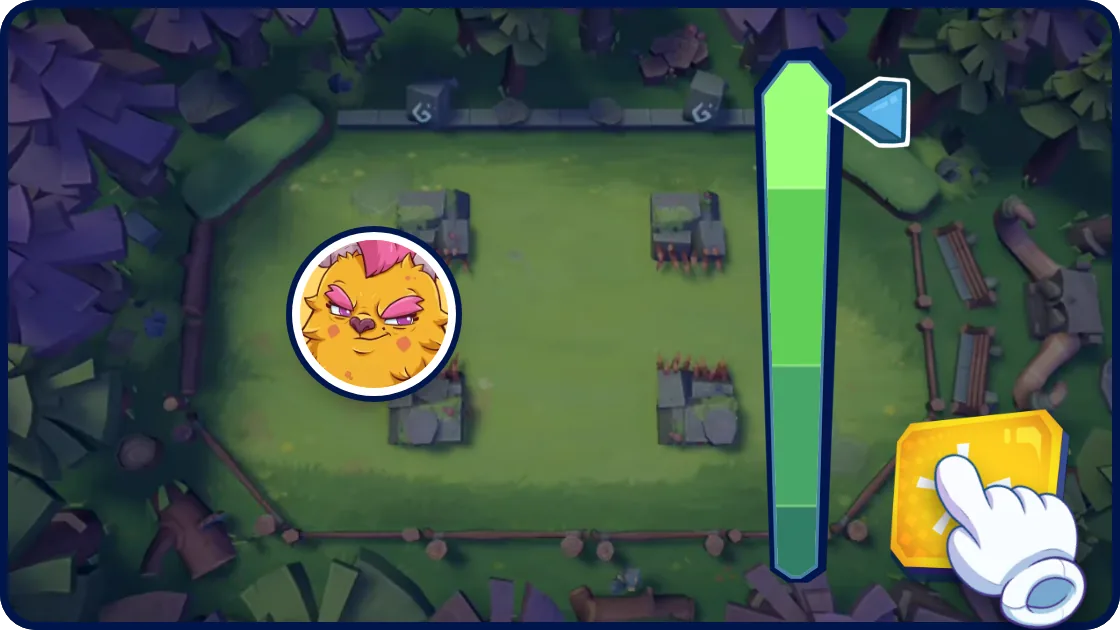
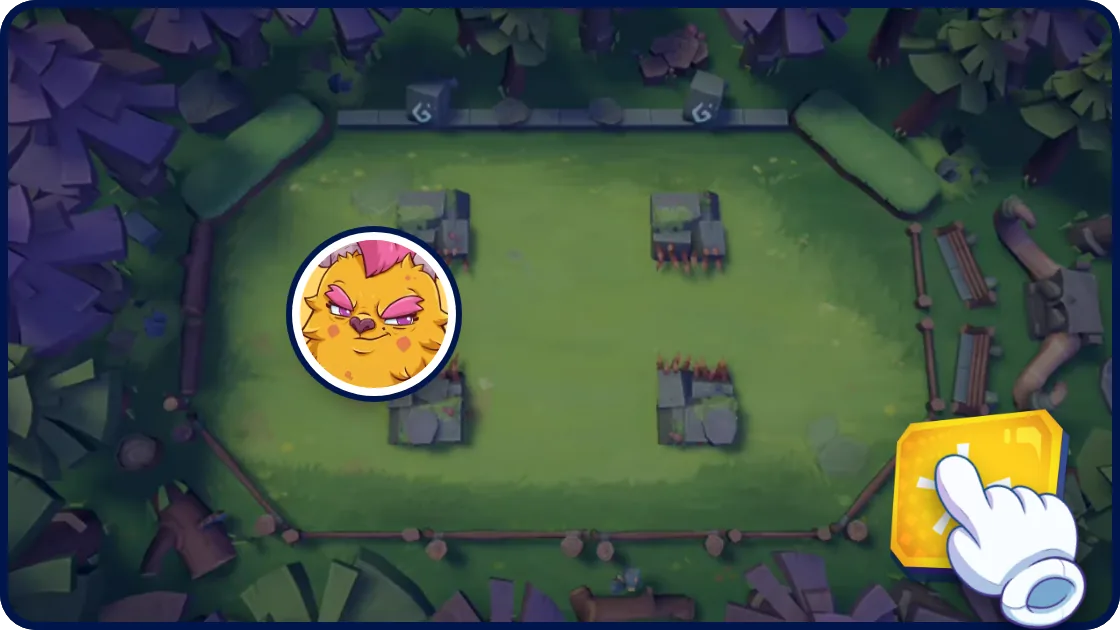
Speed Regulation
Full control: with Tap or Tap & Drag the fire button starts the power bar - press again to stop it. Stop it in the perfect zone for Max Speed, even faster than 100%. With Pull the length of your pull sets the speed. Always 100%: every shot flies at full speed.
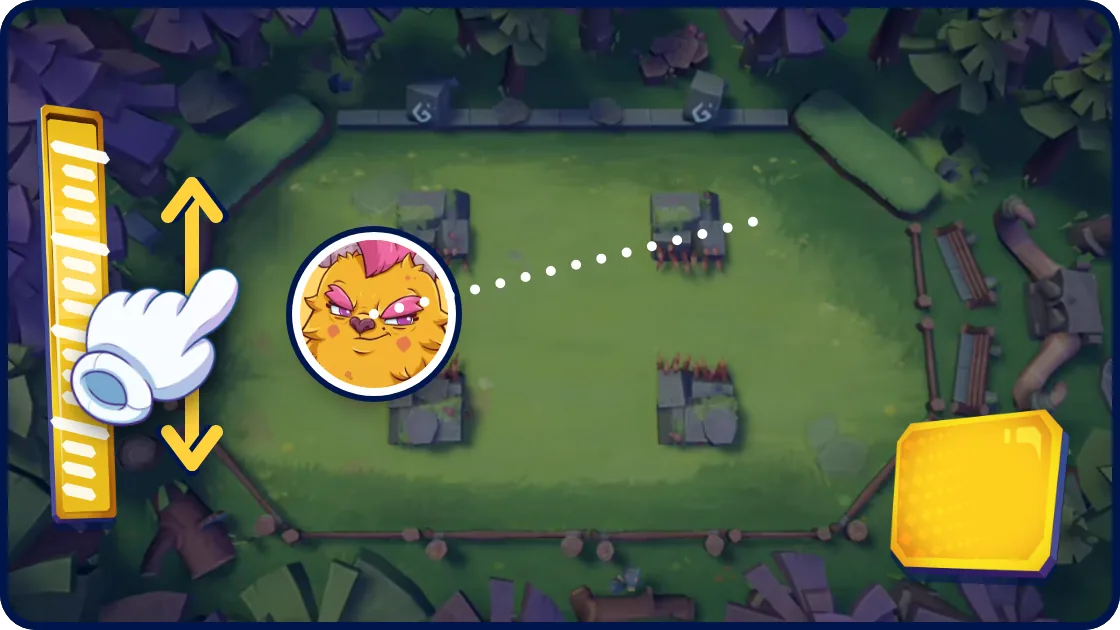
Wheel sensitivity
How fast the aiming wheel turns your aim: Low, Normal or High. It only shows up with Tap and Tap & Drag.